
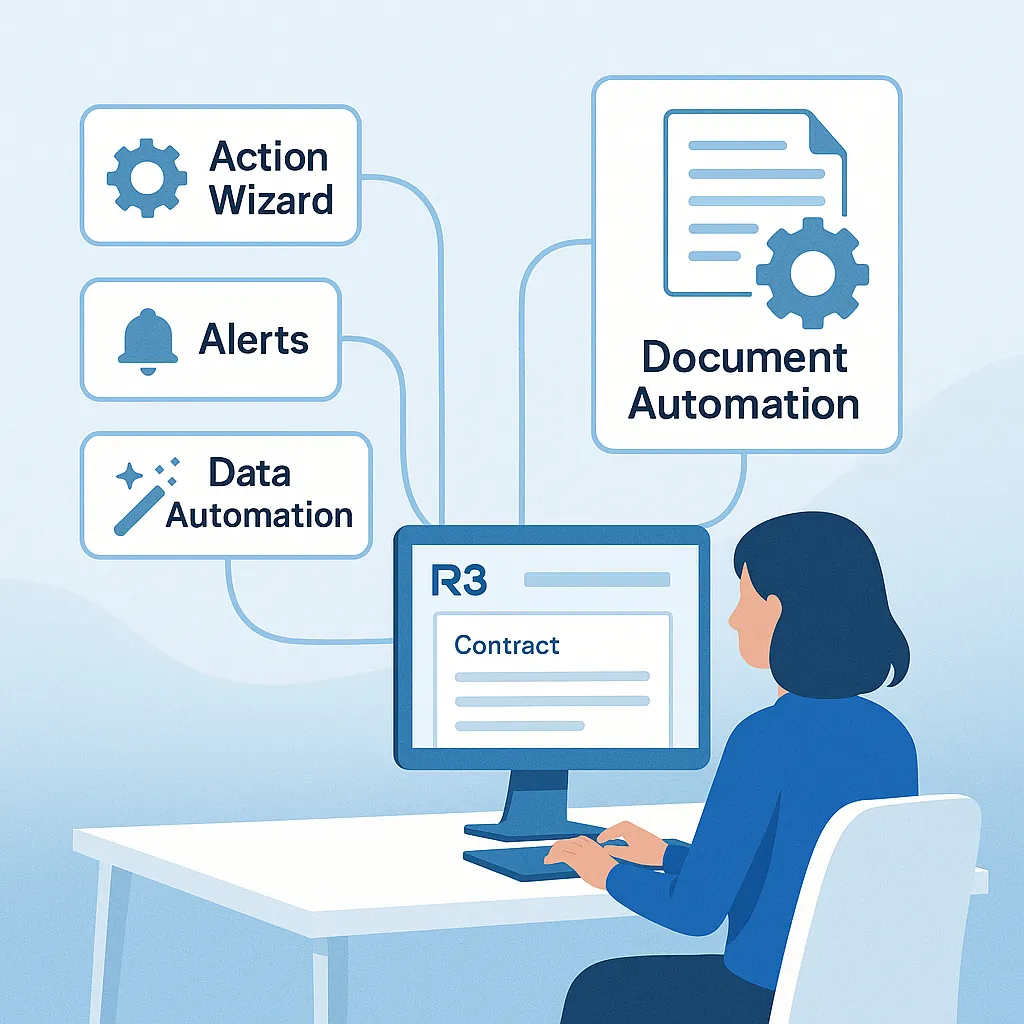
Designed to Assist Your People
R3 Work Automation is designed to help people perform their tasks more efficiently. By taking over repetitive actions and orchestrating workflows, R3 frees your team to focus on strategic decisions, customer relationships, and compliance oversight — the areas where their expertise is most valuable.
In contracting environments, administrative burdens like subcontract creation, deliverable tracking, and status notifications can dominate the workday. R3 lifts those burdens, turning hours of manual work into just minutes of review and oversight.
How R3 Automation Assists People
Here are examples of how R3 Work Automation supports your team’s day-to-day work:
Create Subcontracts Automatically
Subcontracts are a critical part of executing government contracts. R3 makes it easy by generating subcontract records and subcontract documents based on configurable templates. When triggered — for example, at contract award or option exercise — R3 creates a subcontract record and a document draft populated with key details from the prime contract, such as dates, funding, and clauses.
Instead of many clicks and data gathering and drafting, the bulk of the job is automated, and, your team simply reviews and finalizes the automated draft, saving hours and reducing errors.
Auto-Fill Document Data From Across the System
R3 Auto-Fill enables you to set up templates that are auto-filled with data from across the system. It can populate it with any related data from across the system. It can populate tables of data like a table of subcontract flowdowns and labor categories. This speeds up the work, eliminating the need for repetitive data entry and reduces the risk of errors and inconsistencies.
Spawn Recurring Deliverables
Most contracts require recurring compliance deliverables (CDRLs), like monthly reports, quarterly audits, or annual certifications. R3 automatically creates and assigns these deliverables based on each contract’s terms and schedule. Tasks include calculated due dates and stakeholder notifications, so nothing falls through the cracks.
Bulk Update Records
When contract changes affect multiple records — such as activating CLINS for the new option period, extending end dates across task orders, adjusting rates, or modifying the review status of clauses — R3 allows your team to make those changes in bulk with a single action. No more updating each record one by one.
Automate Contract Workflows and Notifications
Coordinating work across multiple stakeholders and departments is easier when R3 automatically routes workflows, sends deadline reminders, escalates overdue items, and notifies team members of key changes. Everyone stays informed and aligned without constant manual follow-up.
Documenting Activity
In R3, most actions by users and activity by people or R3 AI, self-document. The system will document activity in its Audit History, or Document History, or Workflow history or with general comments. People just do real work and let R3 take care of recording it.
Powered by a Configurable Framework
R3’s configurable work management framework allows you to tailor Work Automation to the way your team works. You can embed automation directly into your workflows without custom development or IT intervention.
Create User Actions with the Action Wizard
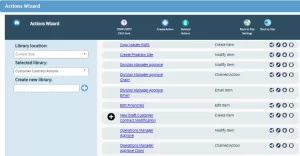
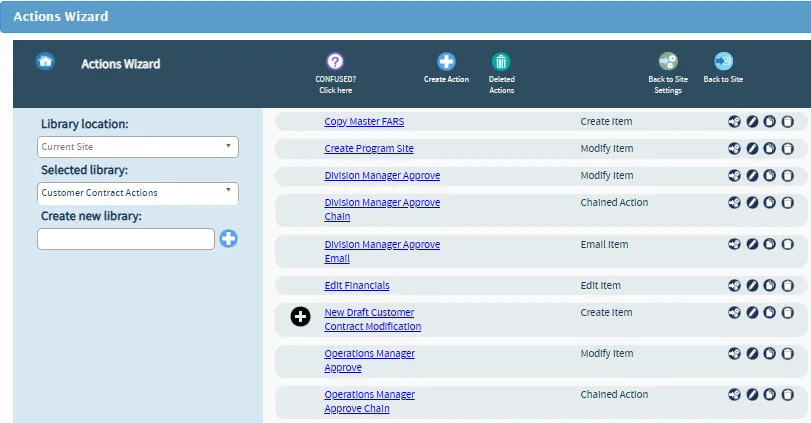
You can create custom “user actions” that trigger specific sets of automated steps with just a click. Each user action can update records, generate deliverables, adjust dates, send notifications, and more — all in one seamless step.
For example, a user action called Exercise Option Year can adjust funding, extend contract dates, and notify subcontractors automatically in one step.
These actions are easy to configure using the R3 Action Wizard and can be customized to match your organization’s specific processes.
Automate Contract Workflows with the Process Wizard
For more complex, multi-step processes, R3 provides a Process Wizard. This tool allows you to design, document, and automate workflows end to end — assigning responsibilities, defining steps, adding conditional logic, and setting up automated notifications and escalations.
You can adjust workflows as your processes evolve, ensuring that automation continues to match your operations over time.
Benefits of Contract Automation Tools
With R3 Work Automation assisting your team, you’ll see significant improvements across your operations:
Higher Productivity
By automating time-consuming tasks, R3 helps your team handle a greater workload without adding headcount. Professionals can spend their time on activities that require their expertise instead of repetitive administrative work.
Improved Consistency, Accuracy and Compliance
Automation reduces manual errors and ensures that key data is complete and consistent across all records — supporting compliance with contract terms and regulations.
Faster Turnaround Times
Tasks like finishing new contracts, subcontract creation, deliverable assignments, and approvals happen faster when the system handles the routine steps automatically.
Streamlined Collaboration
With automated workflows and notifications, everyone knows their responsibilities and deadlines — reducing miscommunication and improving team coordination.
Easy Adaptability
R3’s configurable actions and workflows make it easy to adjust automation as your processes or customer requirements change.
Why R3 Automation Is the Right Choice
Unlike generic workflow tools, R3 was designed specifically for the needs of government contractors. R3’s automation features understand the structure of contracts, subcontracts, CLINs, and FAR/DFARS clauses — and integrate seamlessly with your contract management processes.
✅ Purpose-built for government contracting
✅ Embedded in your contract management system
✅ Configurable by business users
✅ Scales to any portfolio size
R3 Contract Management: Do Less. Accomplish More.